Serving Models with MLflow Models Serve
Move from experimentation to production by spinning up a REST API for your trained model with a single MLflow command. Learn mlflow models serve, model signatures, input schemas, and how to send real-time predictions.
By Sandip Das · · 12 min read
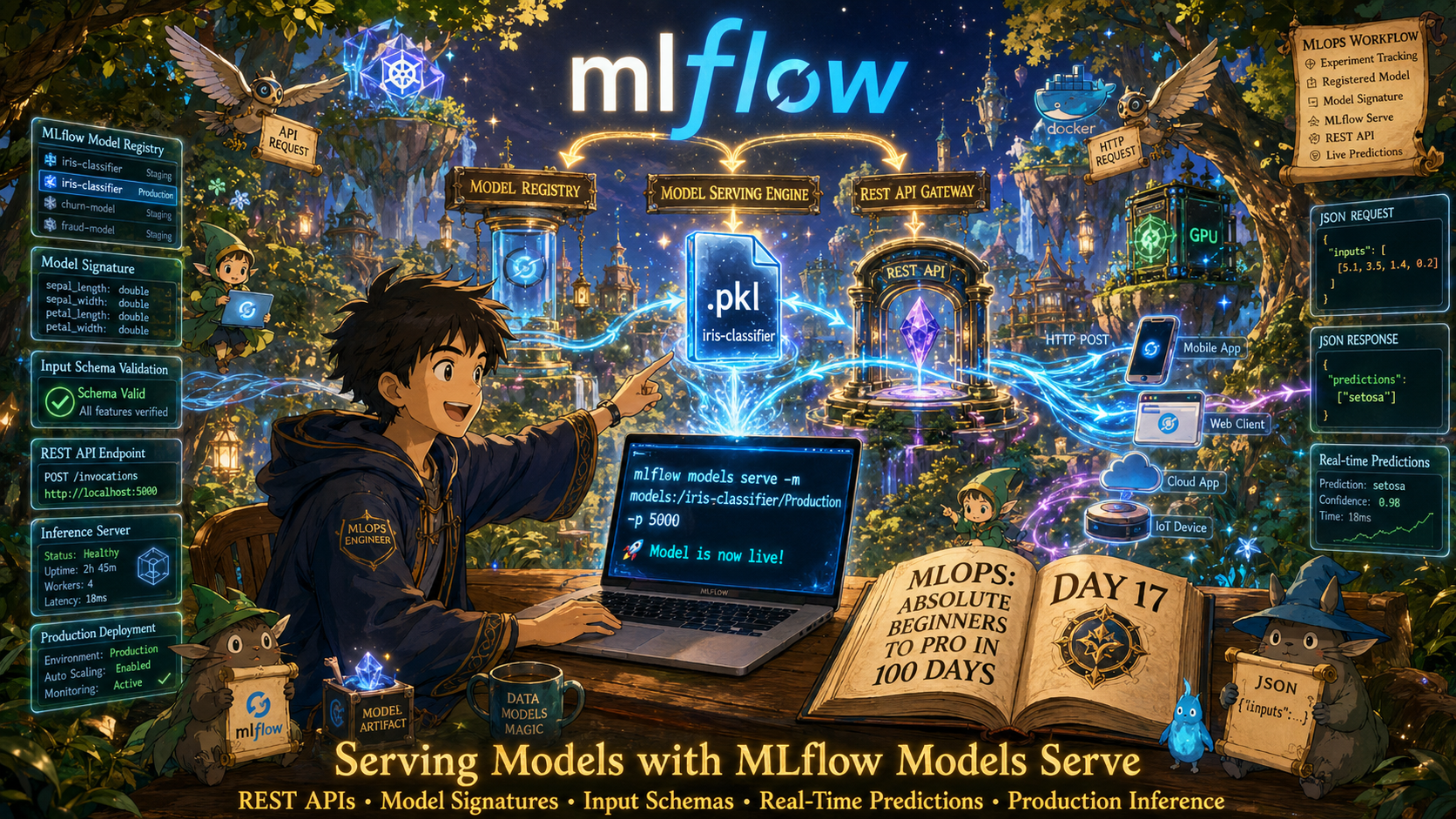
💡
Hey — It's Sandip Das 👋
MLflow Models Serve enables us to expose trained models as production-ready REST APIs with minimal effort while enforcing model signatures and input schemas for reliable, consistent, and validated real-time inference.
It bridges the gap between experimentation and deployment, making model serving, testing, and integration with applications faster, more scalable, and easier to maintain.
MLflow Models Serve enables us to expose trained models as production-ready REST APIs with minimal effort while enforcing model signatures and input schemas for reliable, consistent, and validated real-time inference.
It bridges the gap between experimentation and deployment, making model serving, testing, and integration with applications faster, more scalable, and easier to maintain.
📚 Key Learnings
- From Training to Serving: Why It Matters
- Understanding the MLflow Model Format
- Model Signatures & Input Schemas
- Hands-On: Train, Log & Register the Iris Model
- Serving with
mlflow models serve - Sending Predictions to the Serving Endpoint
- Deep Dive: What Happens Under the Hood
- Advanced Serving Patterns
- MLflow Serve vs Custom FastAPI: When to Use Which
- Troubleshooting Common Issues
Read the full article on learnxops.com.
Topics: 100 Days of MLOps, MLOps, ML, Community, Python, AI Interfacing, MLflow